Pricing
Choose the right OneCommander license in under a minute
OneCommander is free for home use. If you use it for work, business, freelancing, or any other commercial use, you need a Pro license even if you only use the standard feature set. A Pro license also unlocks additional Pro features and settings for personal use.
Before you choose
Do I need a license?
- Yes, if you use OneCommander for work, business, freelancing, or any commercial activity.
- Yes, even if commercial use only needs the standard feature set and none of the Pro-only features.
- Yes, if you want to unlock advanced Pro features or locked settings for personal use.
- No, if you only use Free Home Use for non-commercial personal use.
What is included?
- Free Home Use includes the core file manager for personal, non-commercial use.
- Some settings and advanced features are locked until Pro is activated.
- Lifetime access for the license you purchase.
- All future updates.
- Simple activation with no recurring billing.
Pick your license
Free Home Use
- Free for home and personal use
- Same app, no separate Lite download
- Some settings and advanced features remain locked
Lifetime User License
- Ideal for solo professionals and power users
- One named user
- Install on your own PCs
- Required for any commercial use by that user
- Additional features


Company License
- Recommended for 5 or more users
- Shared key for company deployment
- Volume discounts available
School License
- For school-owned computers only
- Shared network domain environment
- Issued on request
Quick comparison
| License | Best for | How it works | How to get it |
|---|---|---|---|
| Free Home Use | Personal, non-commercial use at home | Core app is free, while some settings and advanced features stay locked | Download and use it for non-commercial personal use |
| Lifetime User License | One person using OneCommander on their own devices, including commercial use | Named user license with lifetime access, future updates, and Pro/commercial rights included | Instant checkout via Paddle |
| Company License | Businesses and teams with 5 or more users | Volume licensing based on user count with one shared key | Contact support for quote and provisioning |
| School License | School-owned computers on a shared domain | Free license for eligible educational environments | Contact support to request approval |
Before you buy
These licenses are for the MSI installer or Portable versions of OneCommander.
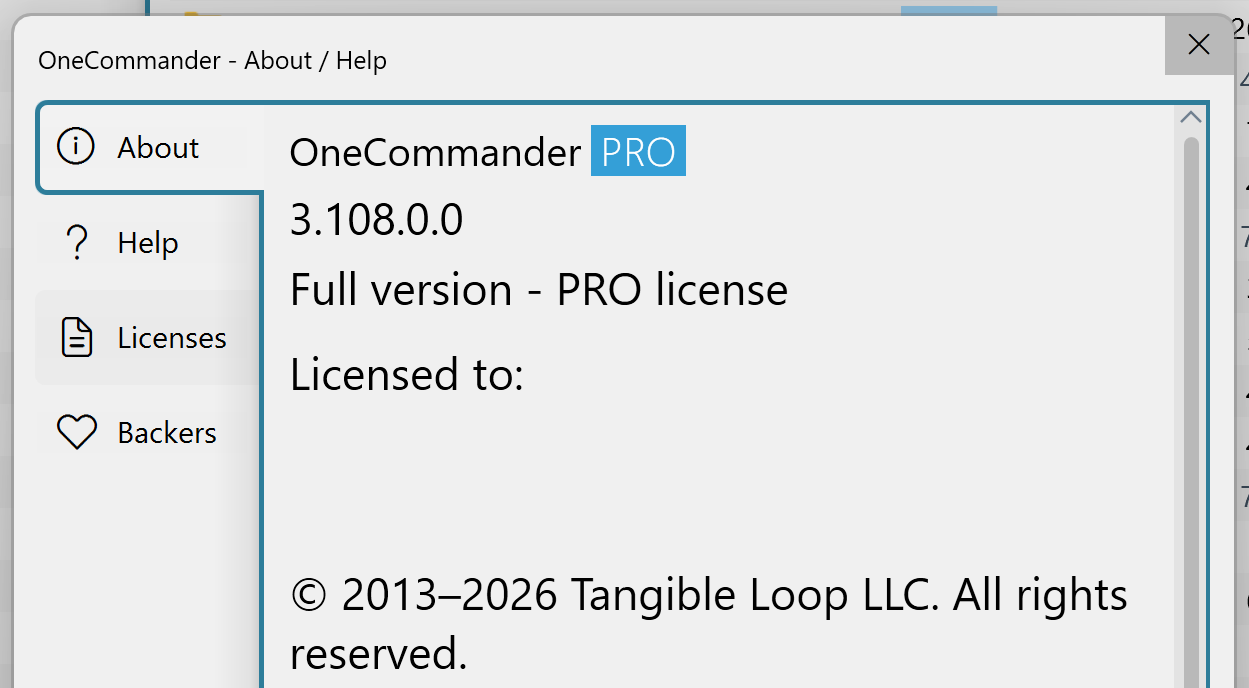
If you use the Microsoft Store version, purchase Pro directly through the Microsoft Store and connect it to your Microsoft account from About - Get Pro license inside the app.
Why customers choose Pro
- Required for any commercial or business use
- One-time purchase instead of a subscription
- Access to advanced Pro functionality and locked settings
Legacy licensing info
- Old machine-based single-PC licenses are no longer sold.
- If you bought a machine license within the last year, support can help with a one-time transfer.
- Existing users may upgrade to a Lifetime User License by paying the price difference.
Frequently asked questions
Is this a subscription?
No. All licenses listed here are one-time purchases. There are no recurring fees.
Can I buy from another marketplace?
Only buy from official OneCommander channels. Purchases from unauthorized sources are fraudulent and licenses will be voided.
Which license should I buy for a company?
If you are buying for a team or organization, use the Company License option so deployment and seat management are handled correctly.
Do I need a license for commercial use if I do not need Pro features?
Yes. Commercial use always requires a license, even if you only use features that are otherwise available in Free Home Use.
Can students or teachers use the school license on personal devices?
No. The school license is only for school-owned computers on a shared network domain.
Need help deciding? Email [email protected] and include whether you are buying for yourself, a company, or a school.